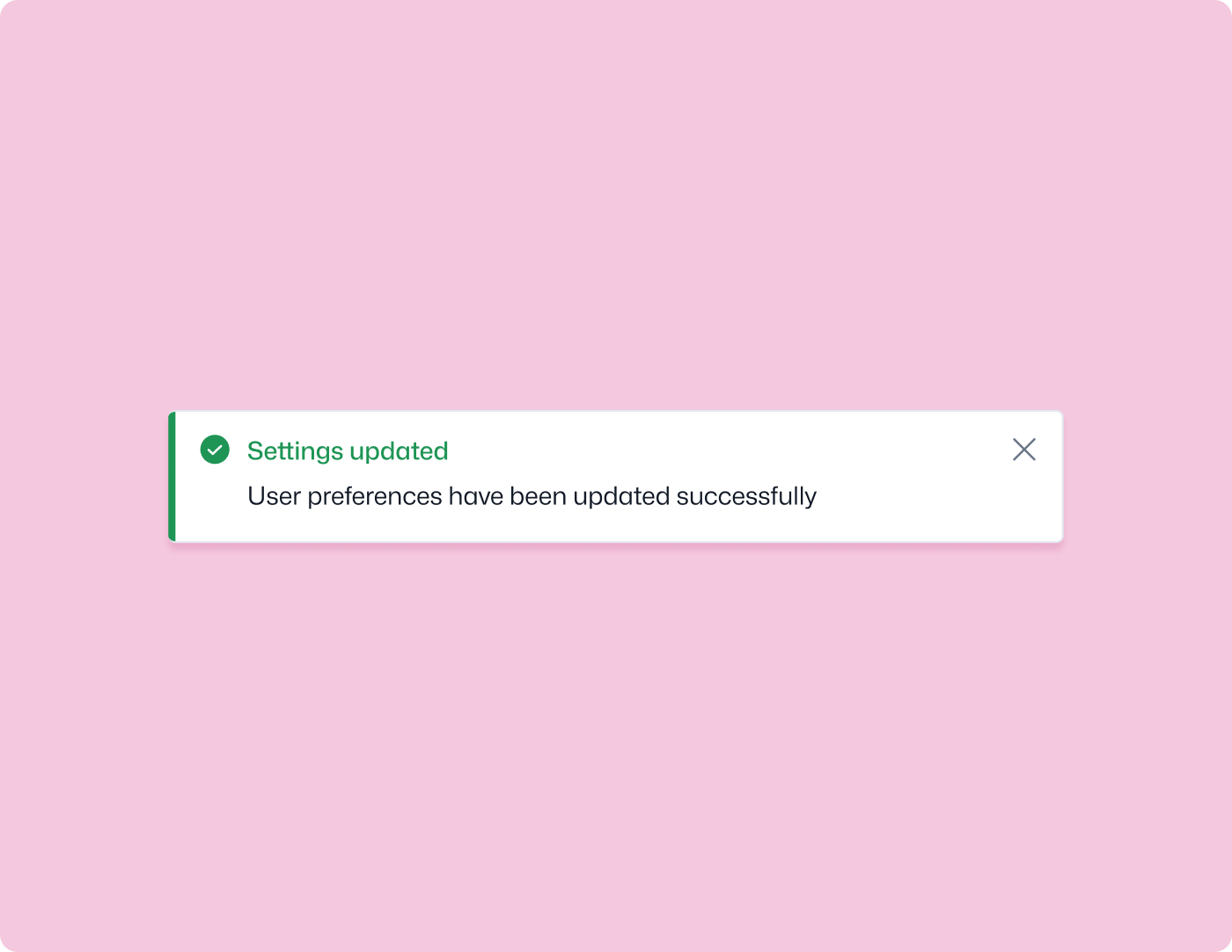
Toast
Displays a short, non-disruptive notification in the Seller Area. Toasts appear at one of the four screen edges and dismiss automatically or can be made closeable.
Signature
ts
qantra.toast.show(options: ToastOptions): voidOptions
| Option | Type | Default | Description |
|---|---|---|---|
title | string | — | Required. The main message |
description | string | — | Required. A supporting message |
type | 'info' | 'success' | 'warning' | 'error' | 'info' | Visual style |
position | 'top-left' | 'top-right' | 'bottom-left' | 'bottom-right' | 'bottom-right' | Screen position |
canClose | boolean | true | Whether the seller can manually dismiss it |
closeAfterDuration | number | — | Auto-dismiss after N milliseconds |
Examples
ts
import { toast } from '@youcan/qantra';

// Simple success toast
toast.show({
  title: 'Settings saved',
  description: 'Your changes have been applied.',
  type: 'success',
});

// Error toast that stays until dismissed
toast.show({
  title: 'Something went wrong',
  description: 'Failed to sync inventory. Please try again.',
  type: 'error',
  canClose: true,
});

// Auto-dismissing toast at the top
toast.show({
  title: 'Order exported',
  description: 'The CSV file is ready to download.',
  position: 'top-right',
  closeAfterDuration: 3000,
});